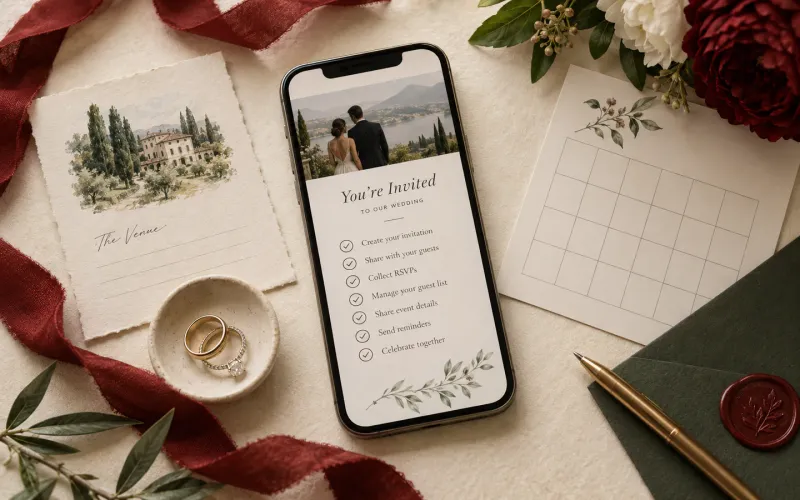
One wedding, different guests: how personalized invitations work
Learn how guest-specific digital wedding invitations can clarify plus-ones, families and who exactly is invited, without creating more work for the couple.
 BedrosCo-founder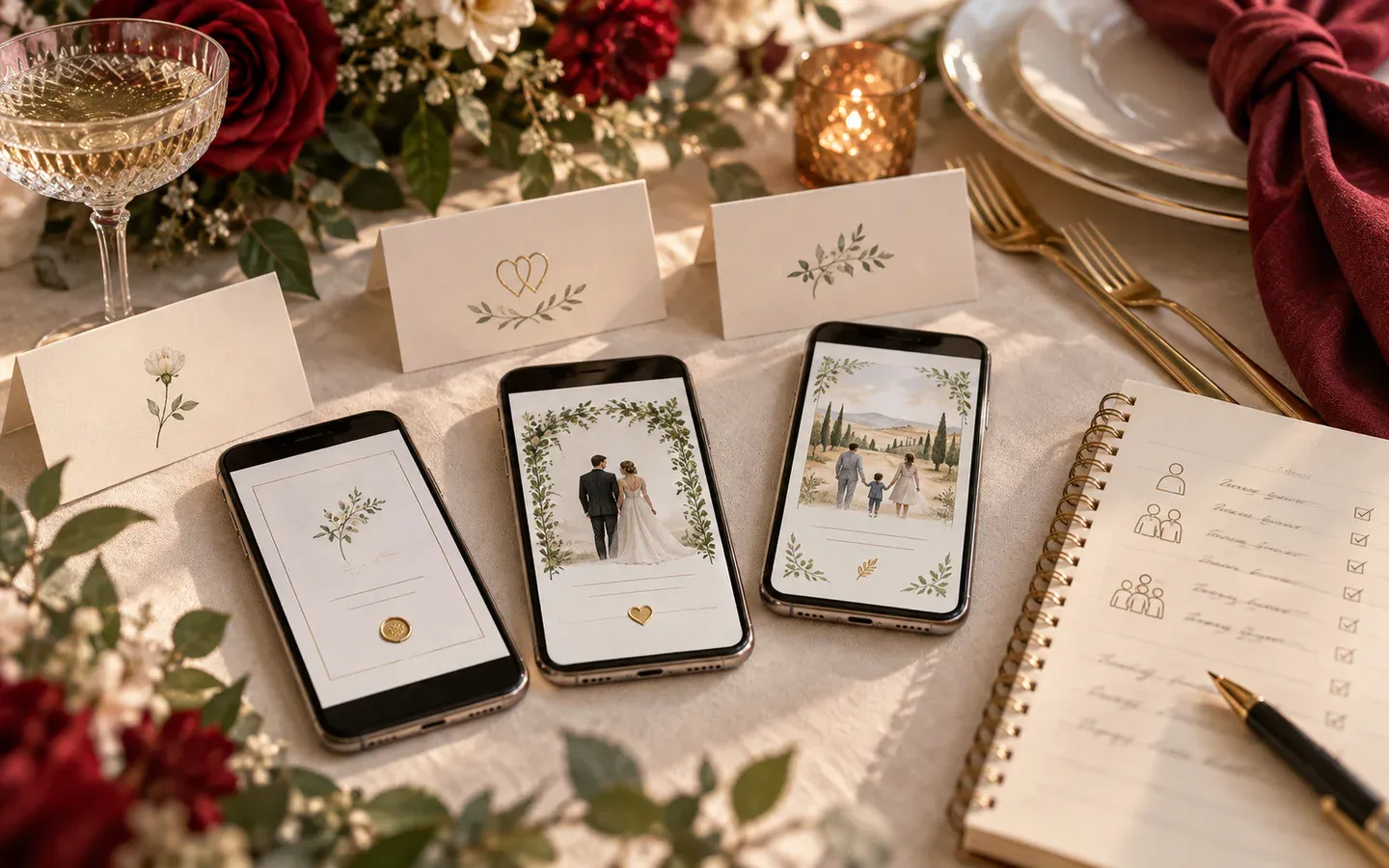
Last Updated: 18 Sep, 2026 • 5 min read
There is no such thing as an average wedding guest.
One person is coming alone. Another is bringing a partner whose surname you do not know. A family needs to understand whether the children are invited. Someone is travelling across three borders and would rather read the details in French. Your closest friends are joining the welcome dinner; your colleagues are coming to the wedding day only.
Sending all of them exactly the same invitation can look efficient, but it often moves the work somewhere else: into private messages, awkward assumptions and a week of answering “Does this include me?”
A personalized digital invitation keeps the overall design consistent while changing the details that belong to the guest.
Personal does not mean designing every invitation again
The phrase “personalized invitation” can sound like hundreds of separate designs. It is much simpler than that.
The visual identity stays the same: your photographs, colours, typography, schedule and wedding story. What changes is a small layer of guest-specific information, such as:
- the guest or family name;
- who is included in the invitation;
- whether a plus-one is invited; and
- how many people can confirm through that invitation.
Think of it as one invitation with a thoughtful front door for each guest, not a new website for every name on the list.
Start by grouping the guest list
Before adding names, divide the list by invitation rather than by person. The right unit is usually the group that will open and answer together.
Individual guests
Use an individual invitation when one named person is invited and will respond for themselves. If a plus-one is included, say so explicitly rather than leaving the guest to infer it.
Couples
For an established couple, include both names when you know them. “Alex Morgan and guest” is useful when the second person is genuinely unknown; otherwise, naming both people feels more considered.
Families
A family invitation can name the adults and children, or use a family label if that suits the relationship. The RSVP should still make it possible to confirm attendance person by person, especially when meal choices or age-specific arrangements matter.
Groups
Occasionally one link is right for a household, wedding party or close group travelling together. Give the invitation a label everyone recognizes, then list the people included so there is no ambiguity.
Clarify plus-ones without awkward wording
Plus-ones are one of the most common sources of invitation confusion because couples try to solve them with vague language.
The clearest options are simple:
- name the partner when known;
- state “and guest” when an unnamed plus-one is included; or
- address the invitation only to the named guest when it is not.
You do not need a defensive paragraph explaining the guest-list budget. The invitation should communicate the boundary quietly and accurately. If a conversation is needed, it is usually kinder to have it directly rather than hiding it in small print.
Be clear about which events are for whom
Weddings increasingly happen across more than one day. A welcome dinner, ceremony, reception, after-party and brunch may each have a different guest list.
The simplest approach is to limit the shared invitation to the events everyone is invited to, and to invite smaller groups to the more private ones directly. A personal message to the people joining the rehearsal dinner lands better than a schedule that quietly varies from guest to guest, and it avoids two risks: someone arriving at an event they were not invited to, and someone missing one because they assumed it was private.
If an event on the invitation is open to everyone, there is no need to say more. If it is not on the invitation, nobody has to wonder.
Use language as part of the welcome
For multilingual weddings, the welcome can be linguistic as well as practical. An invitation offered in two languages, with a simple switch between them, lets each guest read it in the language that feels most natural, while names, dates and event details stay exactly the same.
This is often calmer than placing two full translations side by side on every screen. It gives each language enough space, avoids tiny type and makes the invitation feel written for the reader rather than translated in front of them.
Mention the language switch when you send the link, and ask a fluent speaker to review names, honorifics and cultural phrasing before sharing.
Collect only the information you need
Personalization should not become surveillance. A guest-specific link needs a name and the invitation settings attached to that guest or group. It does not require collecting every person’s email address, phone number or profile information.
At Digital Wedding Invite, guest records are intentionally limited to the guest name and their RSVP response. Couples choose how to share each invitation link, and guests are not added to a marketing list.
That approach keeps the experience personal while respecting the fact that guests did not sign up to become customer data.
A practical setup workflow
The process is easier when the list is prepared in a consistent order:
- Clean up names and spelling.
- Group people into individual, couple, family or group invitations.
- Mark plus-ones clearly, and set how many people each invitation can confirm.
- Test a few examples before sending the full list.
It is worth testing one individual, one couple, one family and one invitation with a plus-one. Open each link on a phone, submit a test response and confirm that the RSVP is recorded under the correct group.
The guest-list step explains how to organize individual, couple and family invitations in your RSVP dashboard.
The point is not the technology
Most guests will never notice the rules behind a personalized invitation. They will notice that their name is right, the people they love are included, the relevant details are easy to find and the RSVP makes sense.
That is the real value. Good personalization removes uncertainty without announcing itself. It turns a general wedding website into an invitation that feels as though it was actually sent to someone.
You can see how that experience begins by browsing the invitation designs. The design creates the atmosphere; the guest details make the welcome specific.